
debian pve 上 nv
debian / PVE 上 nvidia 显卡驱动的安装
Debian官方推荐的安装方法 参考: https://wiki.debian.org/NvidiaGraphicsDrivers#Debian_12_.22Bookworm.22
For support of GeForce 700 series and newer GPUs (supported devices). For older devices, you must use nouveau, which should be already installed and in use.
- Add “contrib”, “non-free” and “non-free-firmware” components to
/etc/apt/sources.list, for example:
# Debian Bookworm
deb http://deb.debian.org/debian/ bookworm main contrib non-free non-free-firmware
- Update the list of available packages, then we can install the nvidia-driver package, plus the necessary firmware:
apt update
apt install nvidia-driver firmware-misc-nonfree
DKMS will build the nvidia module for your system, via the nvidia-kernel-dkms package.
Note about Secureboot: if you have SecureBoot enabled, you need to enroll your machine owner’s key (MOK) to use DKMS modules. Detailed instructions are available here.
Restart your system to load the new driver.
在 PVE 8.2上手动安装 nvidia-drivers 参考: https://www.reddit.com/r/Proxmox/comments/1coquzo/comment/l3fwu8g/?utm_source=share&utm_medium=web3x&utm_name=web3xcss&utm_term=1&utm_content=share_button
Never had issues installing them manually, even on 8.2
apt install -y dkms pve-headers wget
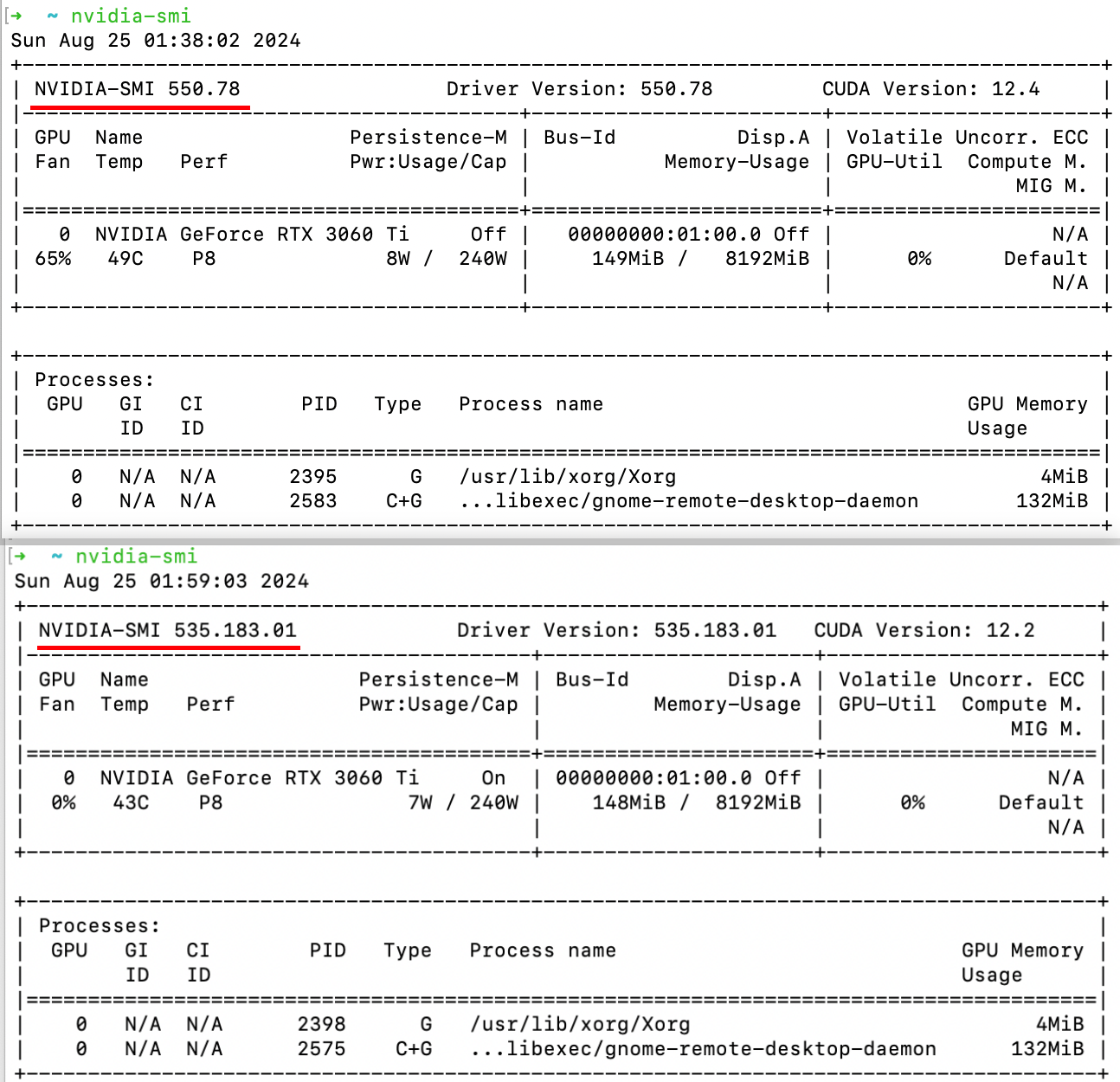
wget https://us.download.nvidia.com/XFree86/Linux-x86_64/550.78/NVIDIA-Linux-x86_64-550.78.run
(Or whatever version you want)
chmod +x NVIDIA-Linux-x86_64-550.78.run
./NVIDIA-Linux-x86_64-550.78.run --dkms
DKMS install and –dkms flag will make it so your drivers keep working after proxmox kernel updates. Can’t be 100% but yours might be failing because you don’t have pve-headers installed.
Install Nvidia Drivers on Debian/Ubuntu
参考:https://docs.kinetica.com/7.1/install/nvidia_deb/